
Have you ever opened a text message and immediately felt pressured to reply? I know how frustrating that can be, especially when I’m busy or simply want some personal space. Fortunately, Samsung Galaxy phones offer messaging privacy settings that can help.
If you’re wondering how to turn off read receipts on Samsung Messages, the process depends on which messaging app your phone uses. In Google Messages, open Messages settings, select RCS chats, and disable Send read receipts. Older Samsung Messages versions may offer a similar option under Chat settings or More settings.
I’ll walk you through both methods, explain why some settings disappear, and show you how to keep your texting activity private.
What Are Read Receipts on Samsung Messages?
Read receipts notify someone when you’ve opened their message. They are commonly available through Rich Communication Services (RCS), an advanced messaging standard that supports Wi-Fi texting, high-quality media sharing, and typing indicators.
You’ll generally encounter three message statuses:
Sent means your phone successfully sent the message.
Delivered means the message reached the recipient’s device or messaging service.
Read indicates that the recipient opened the conversation and allowed a read confirmation to be shared.
Unlike RCS, traditional SMS texting doesn’t offer the same read-receipt functionality. SMS delivery reports only indicate whether a message was delivered, not whether someone actually read it.
Disabling read receipts helps you control your privacy without blocking messages or contacts.
How Do I Turn Off Read Receipts in Google Messages on Samsung?
Google Messages is the recommended texting application for modern Samsung Galaxy devices in the United States. If you’re using a Galaxy S-series, Z-series, or newer A-series phone, start here.
Step 1: Open Google Messages
Launch Google Messages from your home screen or app drawer. Look for the white icon containing a blue conversation bubble.
Step 2: Access Messages Settings
Tap your profile picture or account icon in the upper-right corner. Select Messages settings from the menu.
Step 3: Open RCS Chats

Find RCS chats and tap it. Depending on your software version, this option may appear as Chat features.
Step 4: Disable Send Read Receipts
Locate Send read receipts and switch the toggle off.
Your phone will now stop sharing new read confirmations for supported RCS conversations.
The best part is that you don’t need to disable RCS completely. You can still send high-resolution pictures, use compatible group chats, and communicate over Wi-Fi.
How Do I Disable Read Receipts in Older Samsung Messages?
If your Galaxy phone runs Android 11 or an earlier version, you may still use the original Samsung Messages application.
Open Samsung Messages, tap the three-dot menu, and select Settings. Look for Chat settings, RCS chats settings, or More settings.
Some older versions include an option labeled Send read receipt. If you find it, turn it off.
You might also see Show when read under Multimedia messages. However, this controls MMS read reports on supported devices and isn’t necessarily the same as an RCS read-receipt setting.
Because menus differ across Samsung models and wireless carriers, not every device will display identical options.
How Can I Check Which Messaging App My Samsung Phone Uses?
Before changing your Samsung Messages read receipts settings, I recommend identifying your default texting application.
Open Settings on your Galaxy phone, tap Apps, and select Choose default apps. Next, open the SMS app.
You’ll see which application handles your regular text messages.
This distinction is especially important in 2026. Samsung discontinued its Samsung Messages service for Galaxy devices running Android 12 or newer in the US, effective July 6, 2026.
Samsung recommends switching to Google Messages. Devices running Android 11 or earlier remain unaffected by the discontinuation.
If you need to switch, open Google Messages and follow the prompt to make it your default SMS application. Your existing conversations should transfer automatically, although transferring all message data can take time.
Why Can’t I Find Read Receipts on My Samsung Phone?
If the read-receipt option is missing, don’t assume something is wrong with your phone. Several common factors can affect its availability.
Is RCS Messaging Enabled?
Open Google Messages, select Messages settings, and tap RCS chats.
Check the connection status. If it says Connected, RCS is active.
If you see Connecting or Not supported, your phone may still be verifying your number or may have a connectivity or service limitation.
Does My Carrier Support RCS?
Major US carriers, including Verizon, AT&T, and T-Mobile, support RCS through compatible devices and messaging services.
However, features and available menus can vary by software version, device, and carrier configuration.
If your settings are missing, confirm that you’re using Google Messages and that RCS is available.
Should I Update My Samsung Messages App?

Outdated software may cause missing settings or messaging problems.
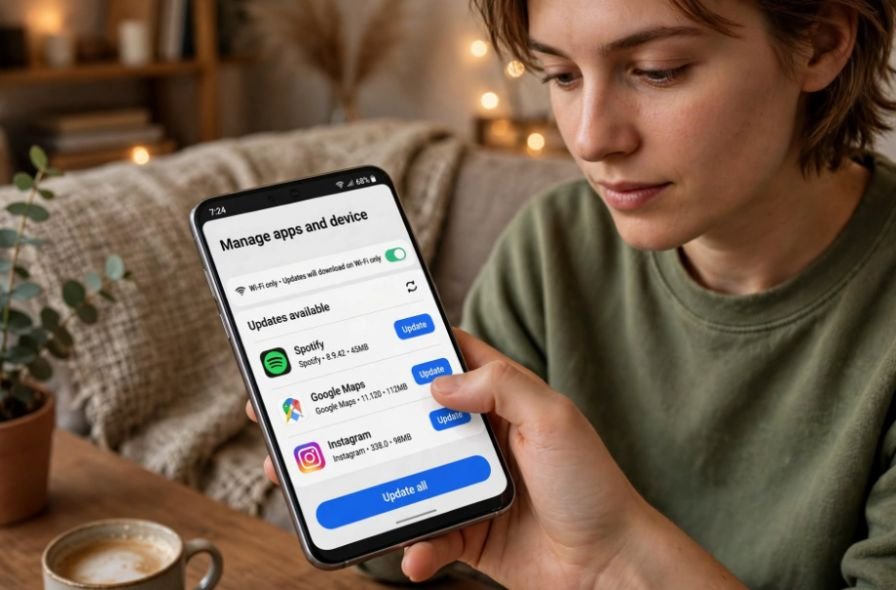
Open the Google Play Store, search for Google Messages, and install any available updates.
Then visit Settings > Software update on your Samsung phone to check for Android updates.
Reopen your messaging app afterward and check the RCS settings again.
What Happens When You Turn Off Read Receipts on Samsung?
Once you disable read receipts, other people generally won’t receive new read confirmations when you open their RCS messages.
However, they may still see that their messages were delivered.
Your phone will continue receiving texts normally, and existing conversations won’t disappear.
Turning off read receipts also doesn’t automatically disable your ability to see someone else’s read status. That depends on whether the other person shares read confirmations.
Previously shared read receipts won’t be erased.
Can You Turn Off Read Receipts for One Person on Samsung?
Sometimes, you may want to hide your read status from only one contact.
Unfortunately, Google Messages generally uses a global Send read receipts setting rather than offering a separate toggle for every conversation.
Certain older Samsung Messages versions may have different conversation controls, but availability depends on the device and software.
If your app doesn’t support individual read-receipt settings, disabling the feature for all RCS conversations is the simplest solution.
How Can I Make Samsung Messages More Private?
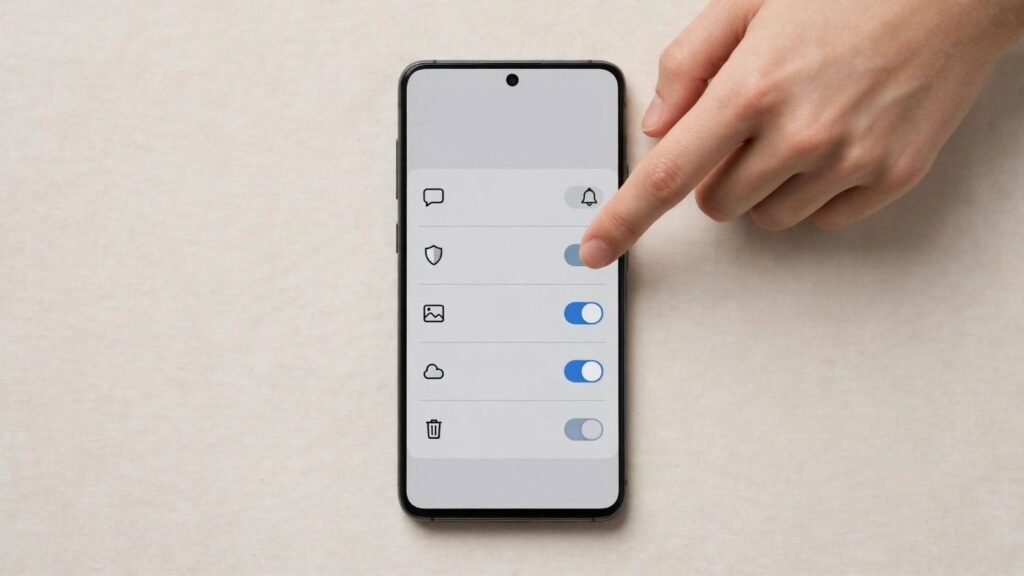
If you want additional privacy, consider disabling typing indicators.
Open Google Messages, navigate to Messages settings > RCS chats, and turn off Show typing indicators.
You can also adjust message previews through your Galaxy phone’s notification and lock-screen settings.
These changes help you control what people can see about your messaging activity without affecting your ability to communicate.
Frequently Asked Questions (FAQs)
1. Does Turning Off Read Receipts Disable RCS?
No. You can disable read confirmations while keeping RCS messaging active. Compatible Wi-Fi messaging, high-quality media sharing, and other RCS features will continue working.
2. Can iPhone Users See When I Read Their Messages?
Yes, if both devices use compatible RCS messaging and your read receipts are enabled. Turning them off prevents your Samsung phone from sharing new RCS read confirmations with compatible iPhones.
3. Why Do My Samsung Messages Still Show as Read?
If you see read indicators on messages you’ve sent, the other person may still have their read receipts enabled. Turning off your own setting doesn’t control what other users share.
4. Can Someone Tell If I’ve Read Their Text After Turning Off Read Receipts?
They generally won’t receive an RCS read confirmation after you’ve disabled the feature. However, they might assume you’ve read the message based on your activity or subsequent replies.
Final Thoughts
Learning how to turn off read receipts on Samsung messages gives you greater control over your conversations and personal boundaries.
I prefer knowing that I can open a message without feeling obligated to respond immediately. It’s a small privacy adjustment, but it makes everyday texting more comfortable.
For most current Samsung Galaxy phones, Google Messages provides the easiest solution. Older devices may have different menu options, so identifying your messaging app is essential. Similarly, understanding everyday smartphone tasks like sharing wifi password from iphone to android can make managing your devices and connectivity more convenient.
With the correct settings, you can keep texting normally while deciding when and how you respond.